App icon
1024 × 1024 PNG.
Download app icon ↓For press
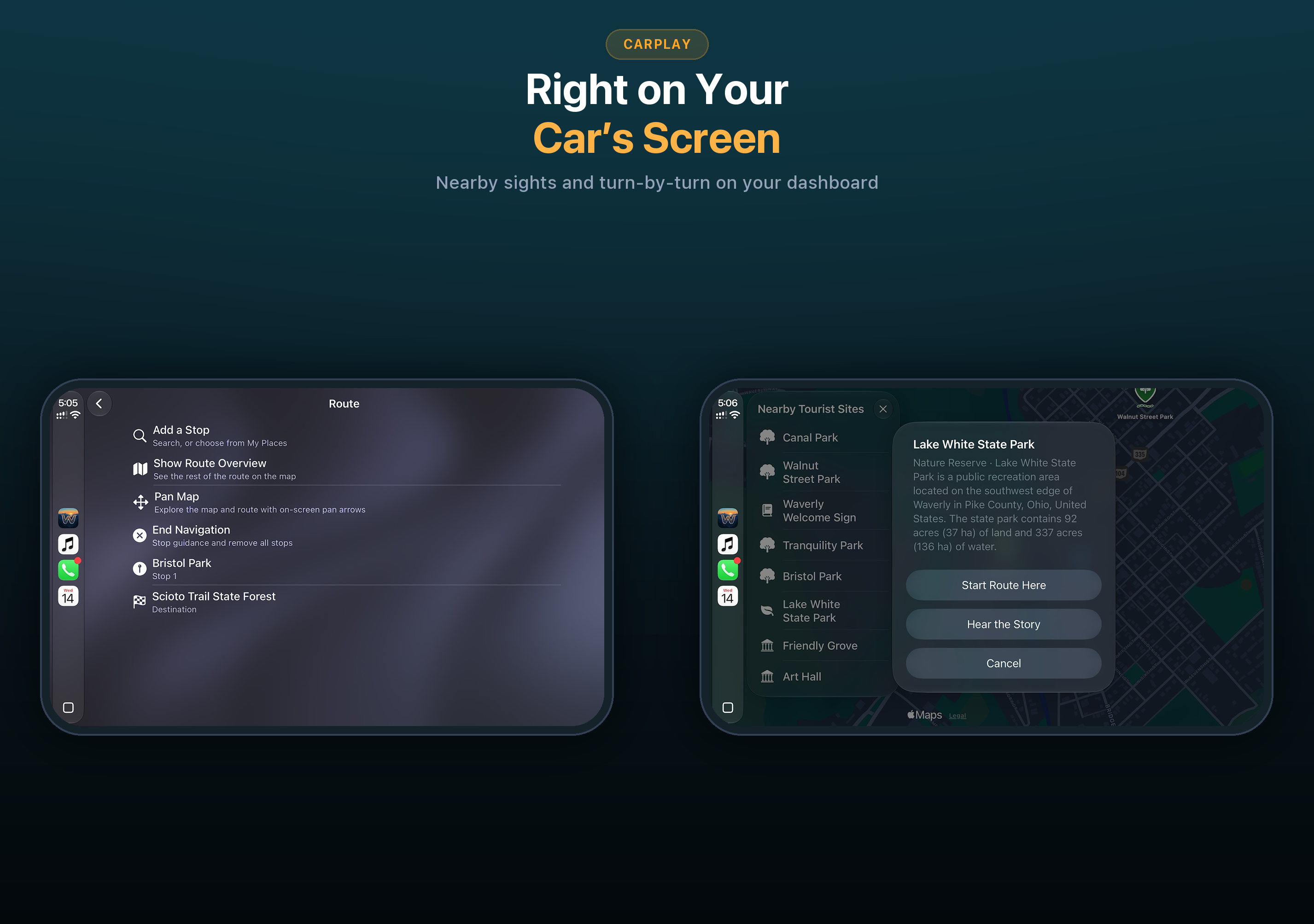
WanderWay is an iPhone, iPad and CarPlay road trip app, with a Mac app for exploring places and following a drive. Put in where you are going and it finds parks, historic sites, covered bridges, waterfalls and more along your route, then works the stops you pick into turn by turn navigation. It is made by Derek Boyer in southern Ohio, built with Grok Bot and Claude Code.
Version 2.7 is the current App Store release, dated November 16, 2026. It adds Drag the Route, Just Listen Shortcuts, Kids Mode checked everywhere, and Default Navigation in the EU and Japan.
The story
Derek Boyer and his wife Jordan make a lot of long drives between Florida and Ohio with their three kids, ages 2, 7 and 10. On those drives they kept needing somewhere to stop. Not a gas station, an actual place where the kids could get out and run around.
They don’t often drive backroads, so finding a park near the next exit while on the interstate usually meant one of them digging through a map while the other drove. Jordan kept saying there should be an app that shows you the good stuff along your route. Derek made it in southern Ohio, built with Grok Bot and Claude Code.
“I didn’t want another subscription in anyone’s life,” Derek says. “Most of the ideas come from people who use it. Someone asks for something, and if it makes sense for the app, I add it.”
At a glance
The current App Store version, November 16, 2026. WanderWay 2.7 is led by Drag the Route.
November 9, 2026. WanderWay 2.6 made room for the whole family.
Downloads
WanderWay 2.7 App Store screenshots. Select an image to download the full-size PNG (1320 × 2868).
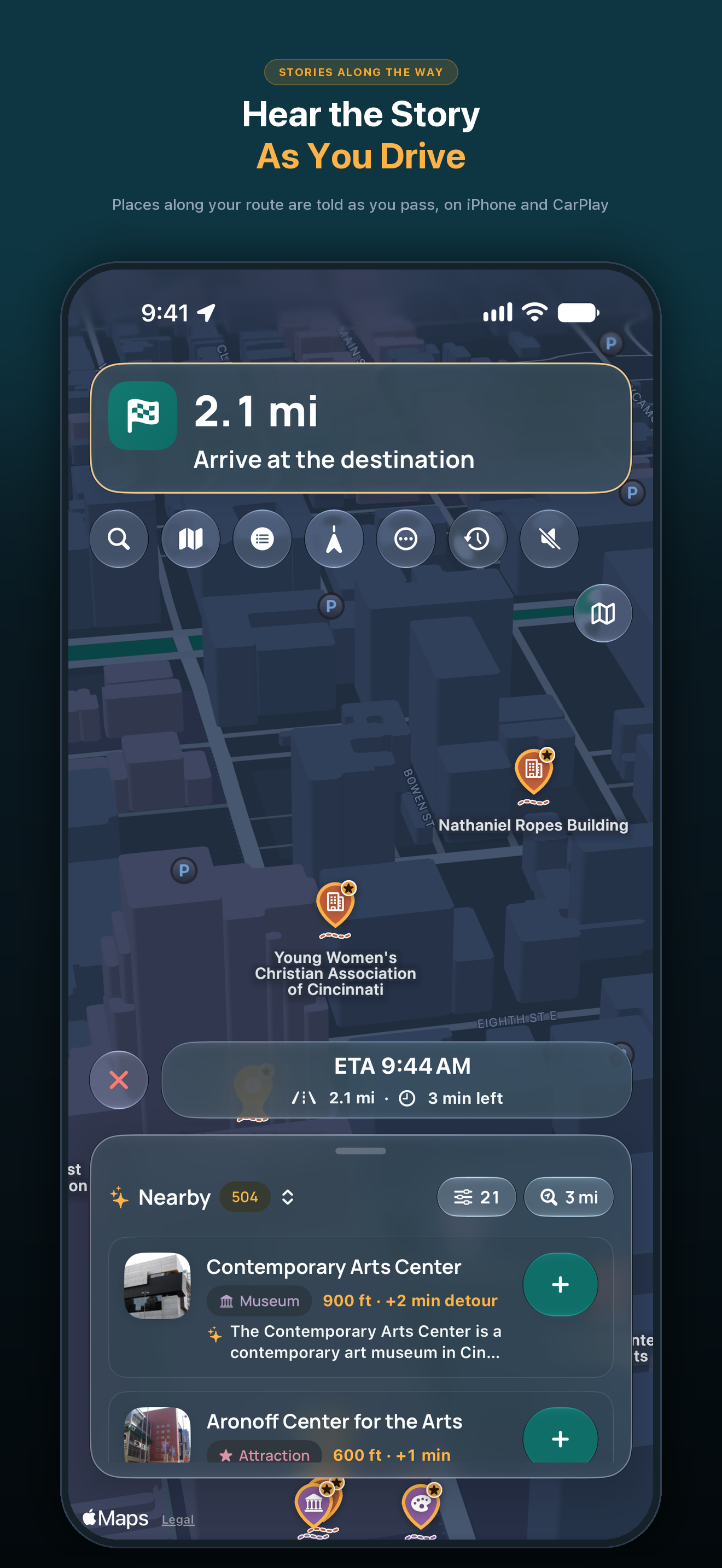
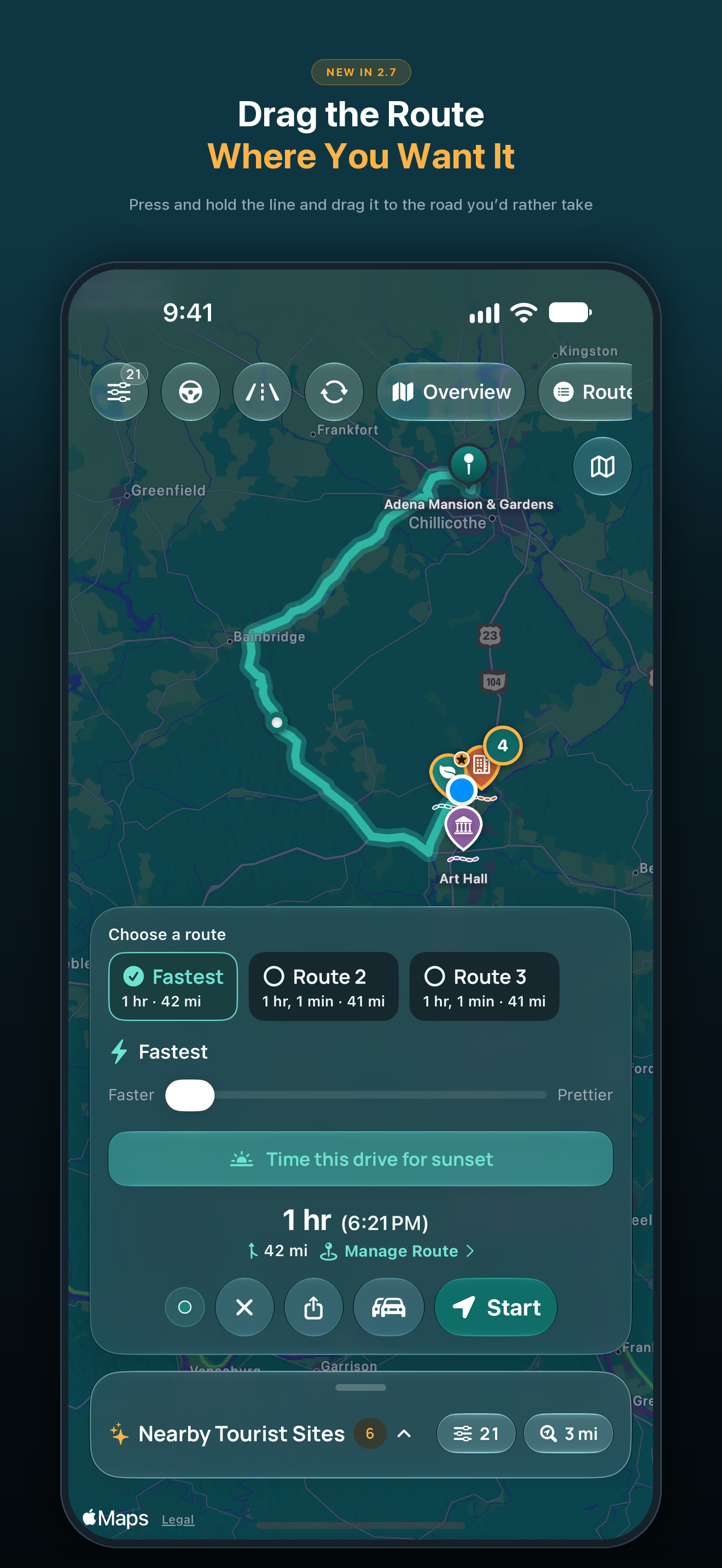
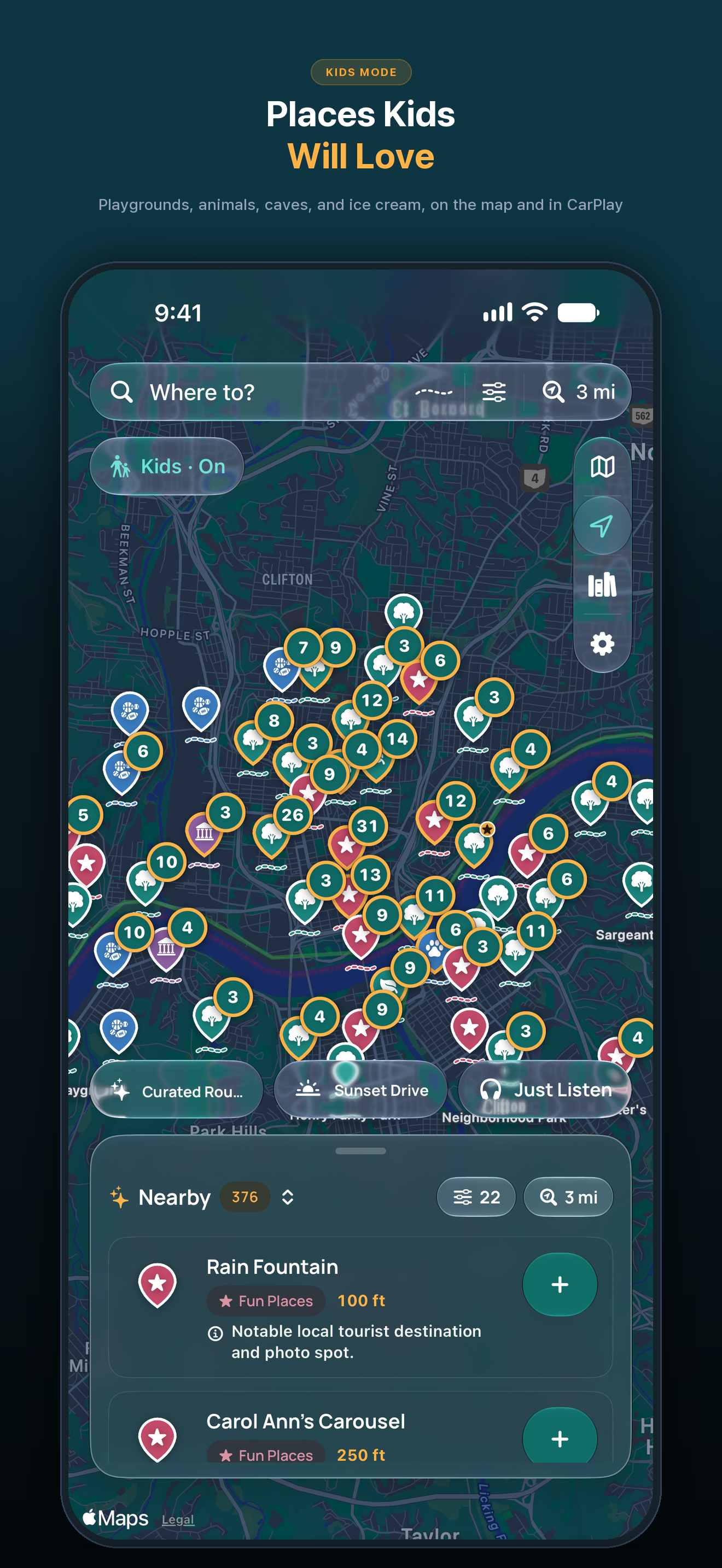
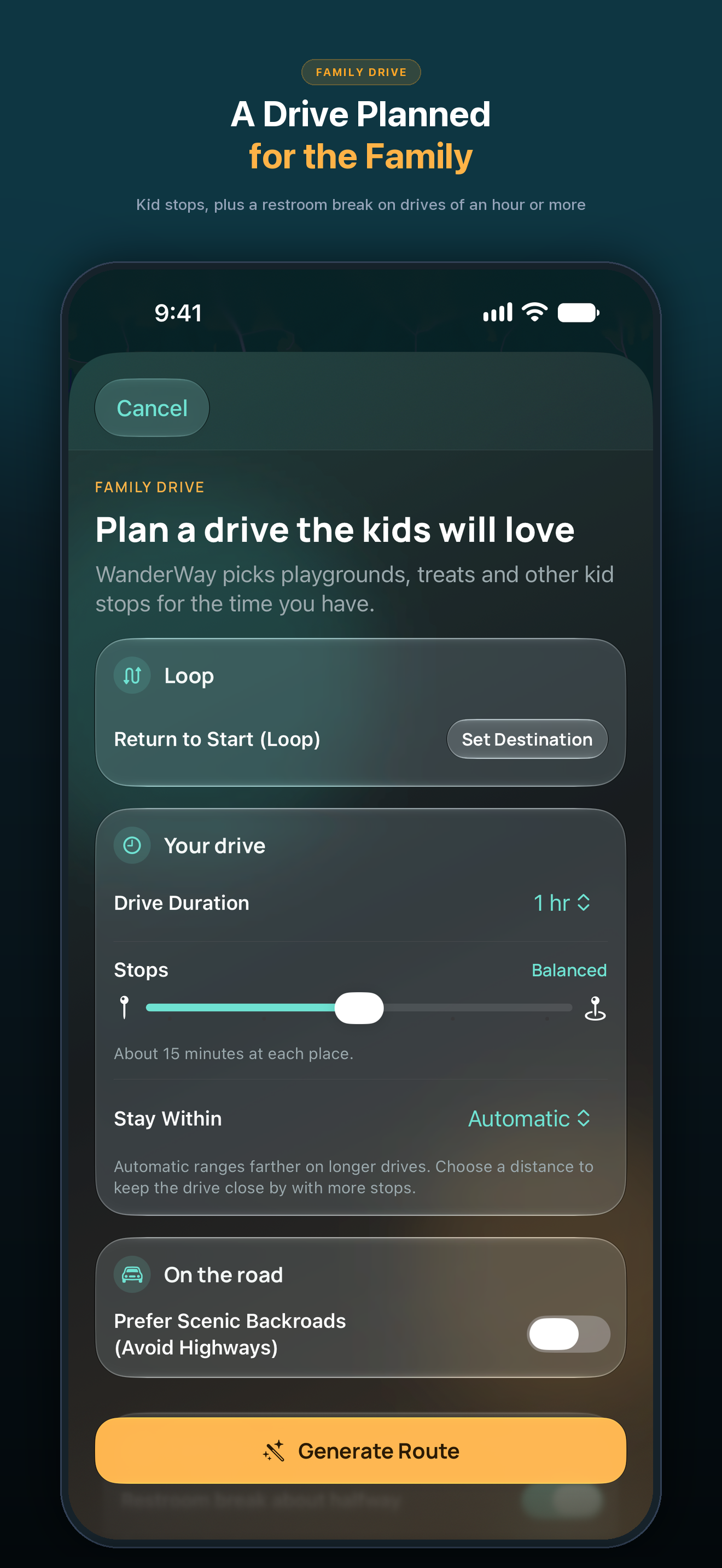
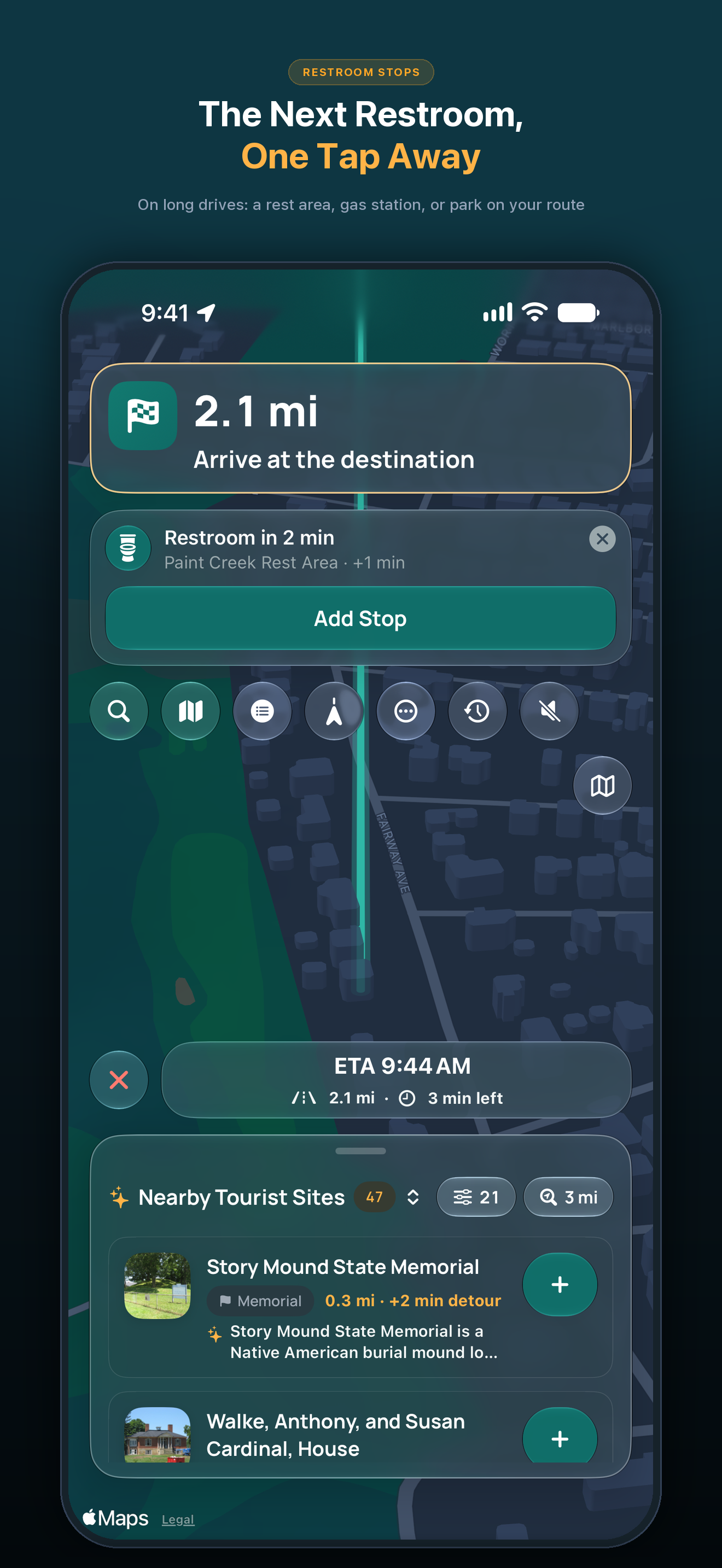
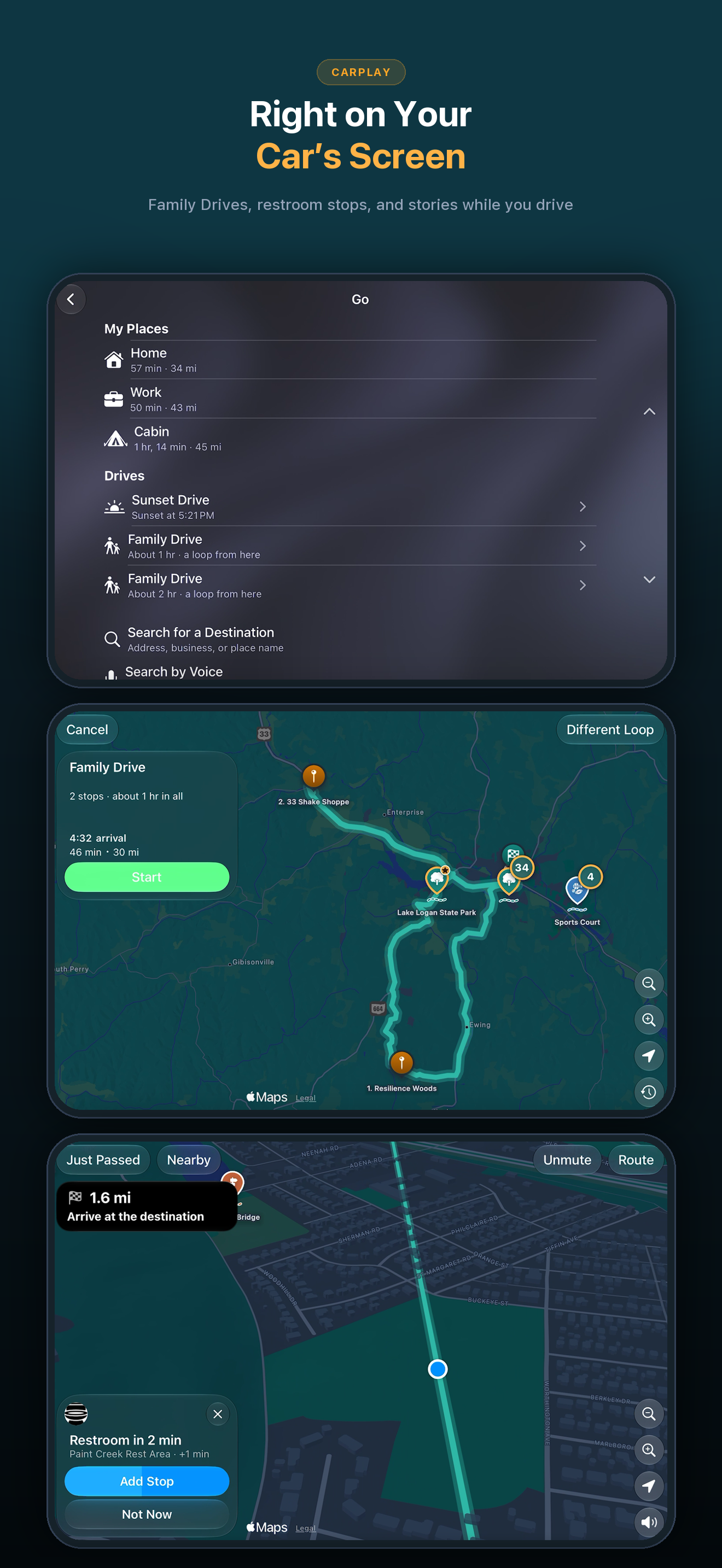
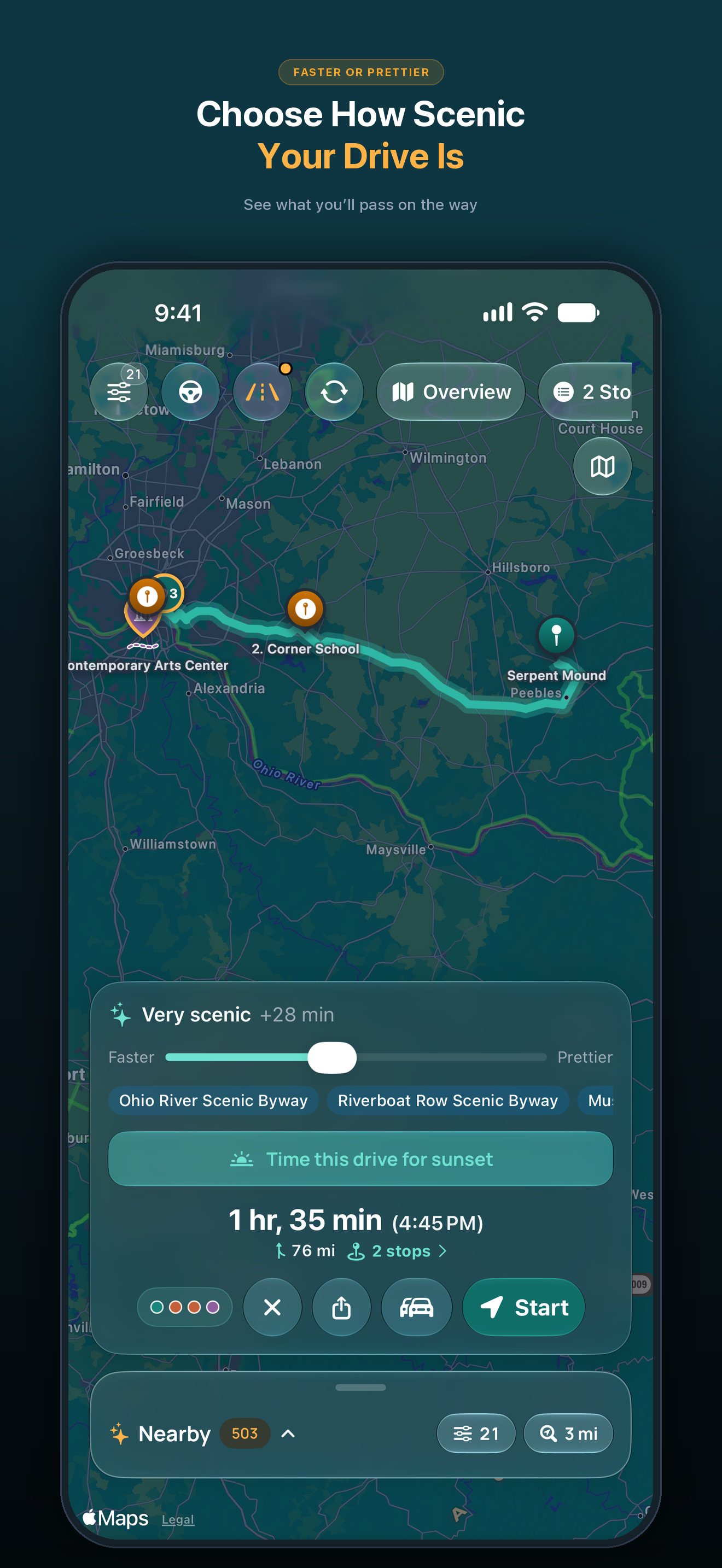
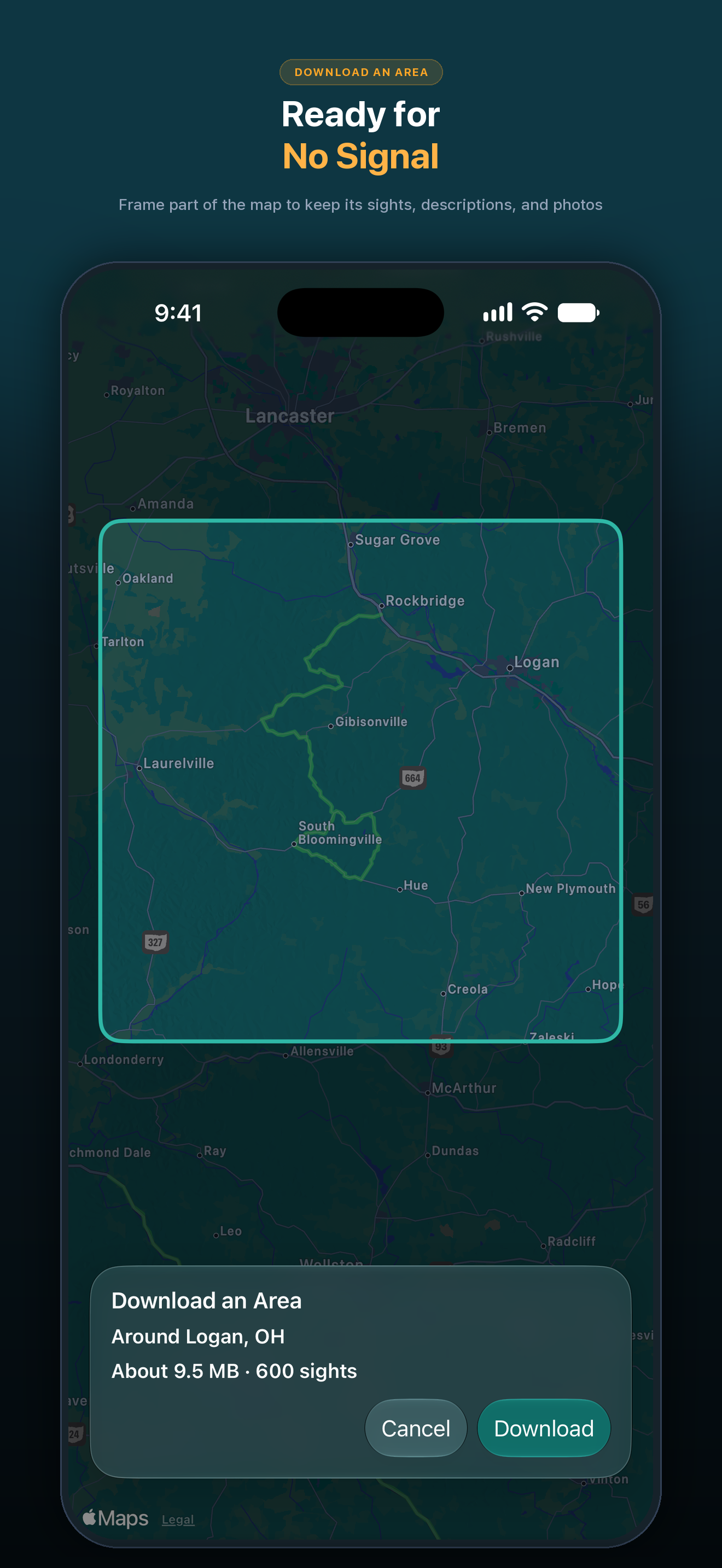
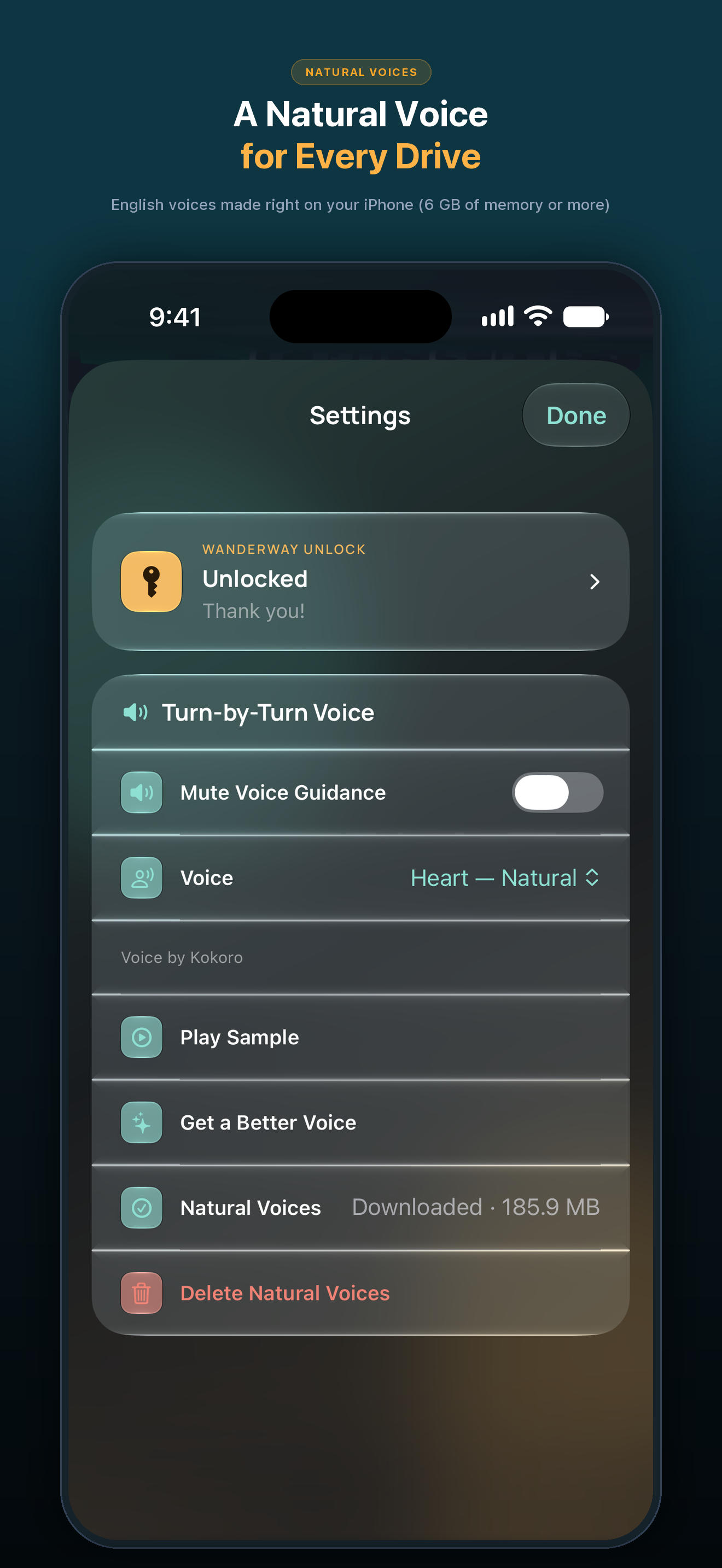
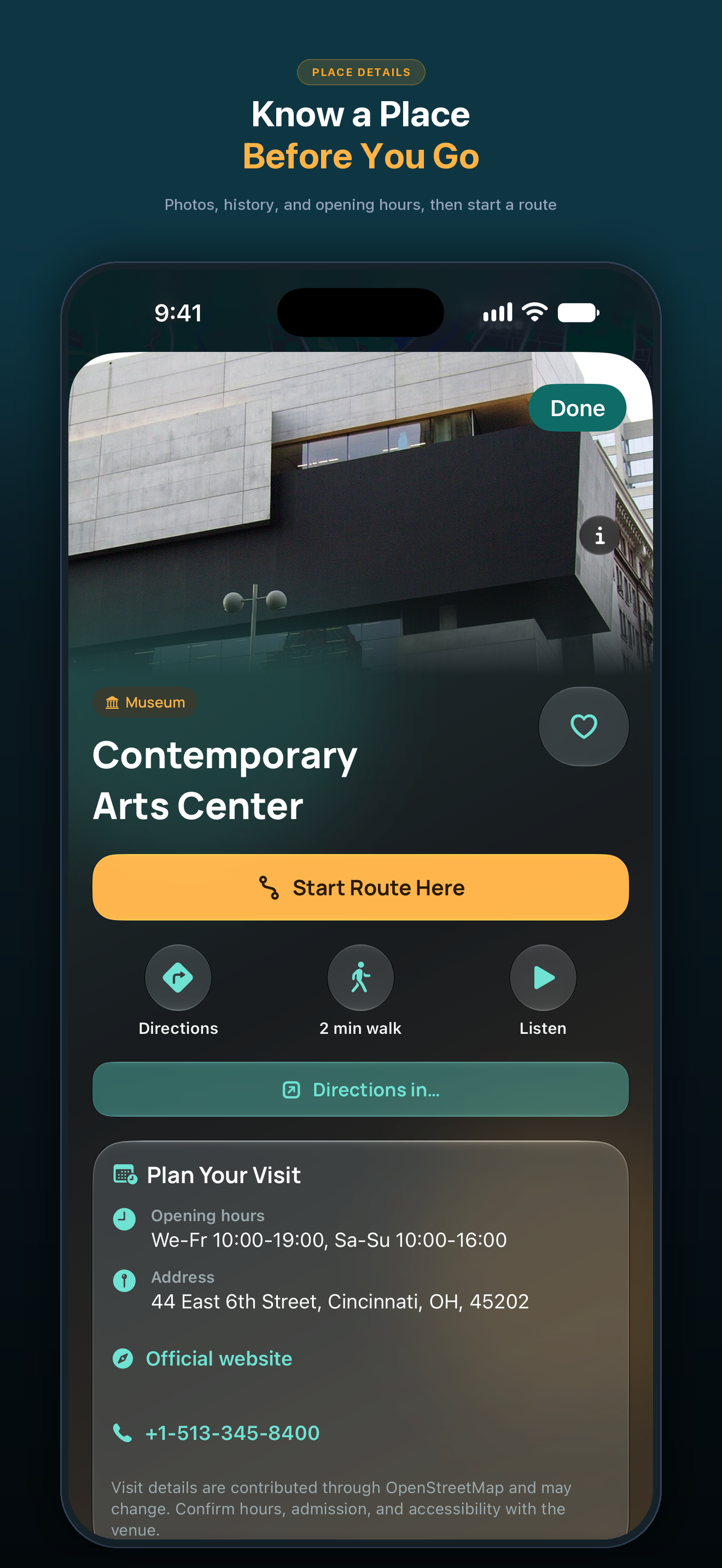
Map content and place imagery keep their original attributions. Please keep visible source credits when using screenshots.
Downloads
Captured in WanderWay 2.2, released October 27, 2026. The current version is 2.7. Select an image to download the full-size PNG.
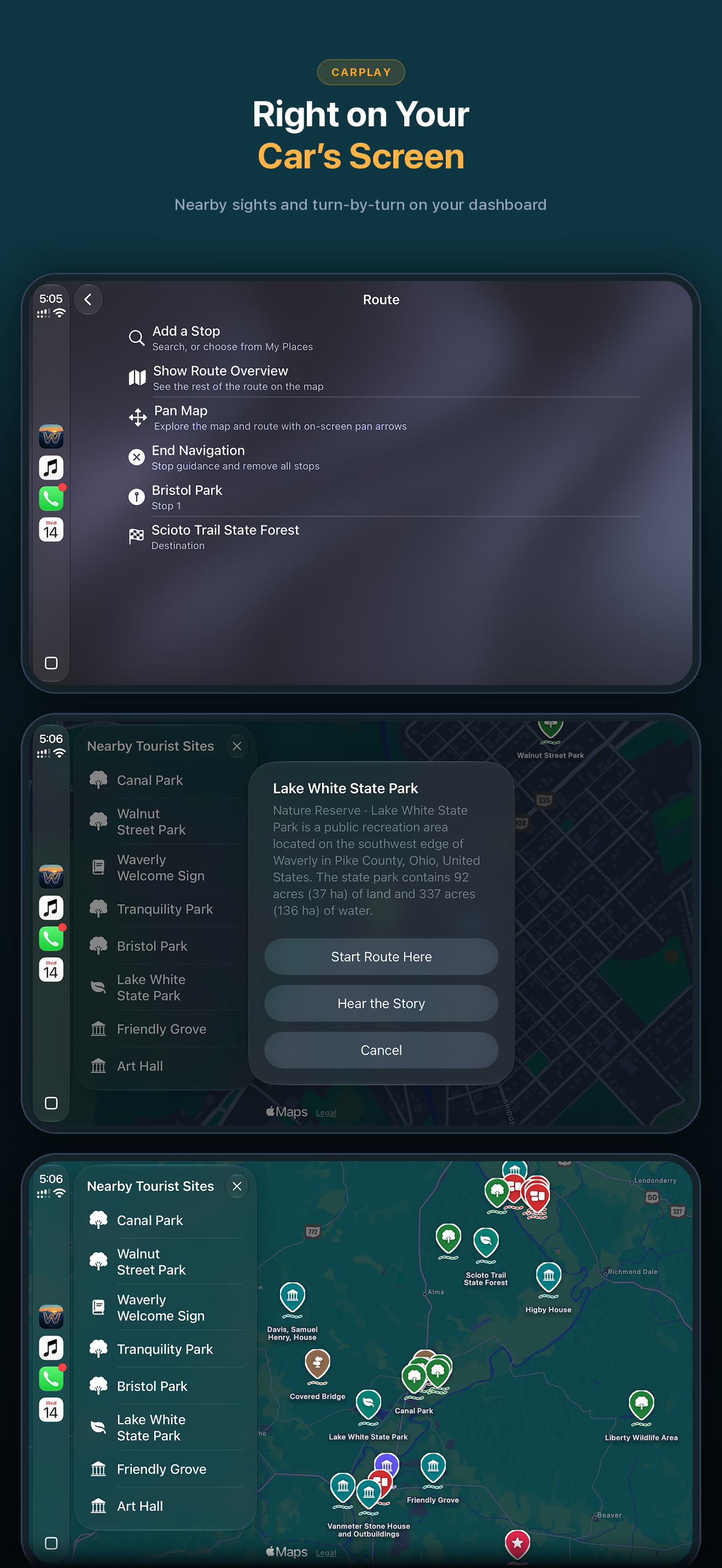
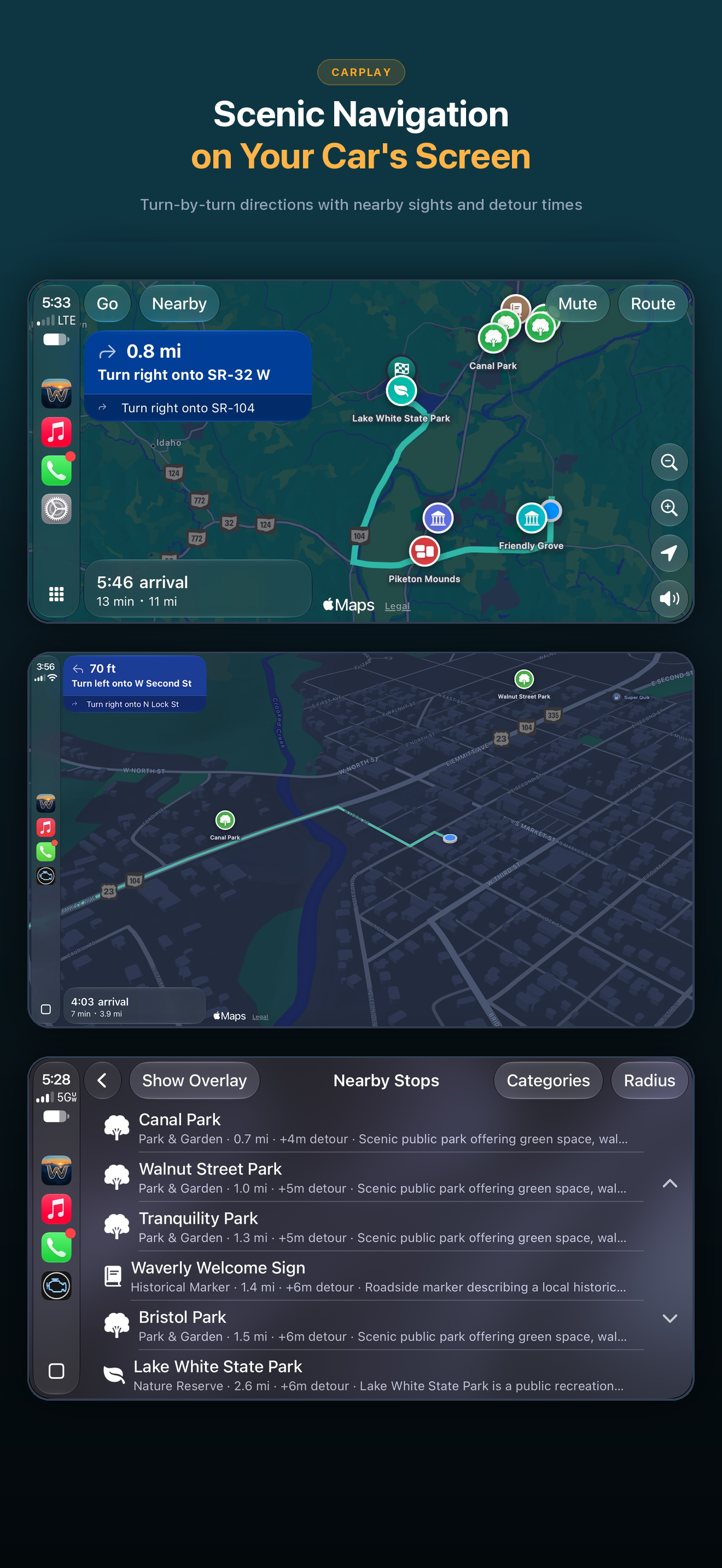
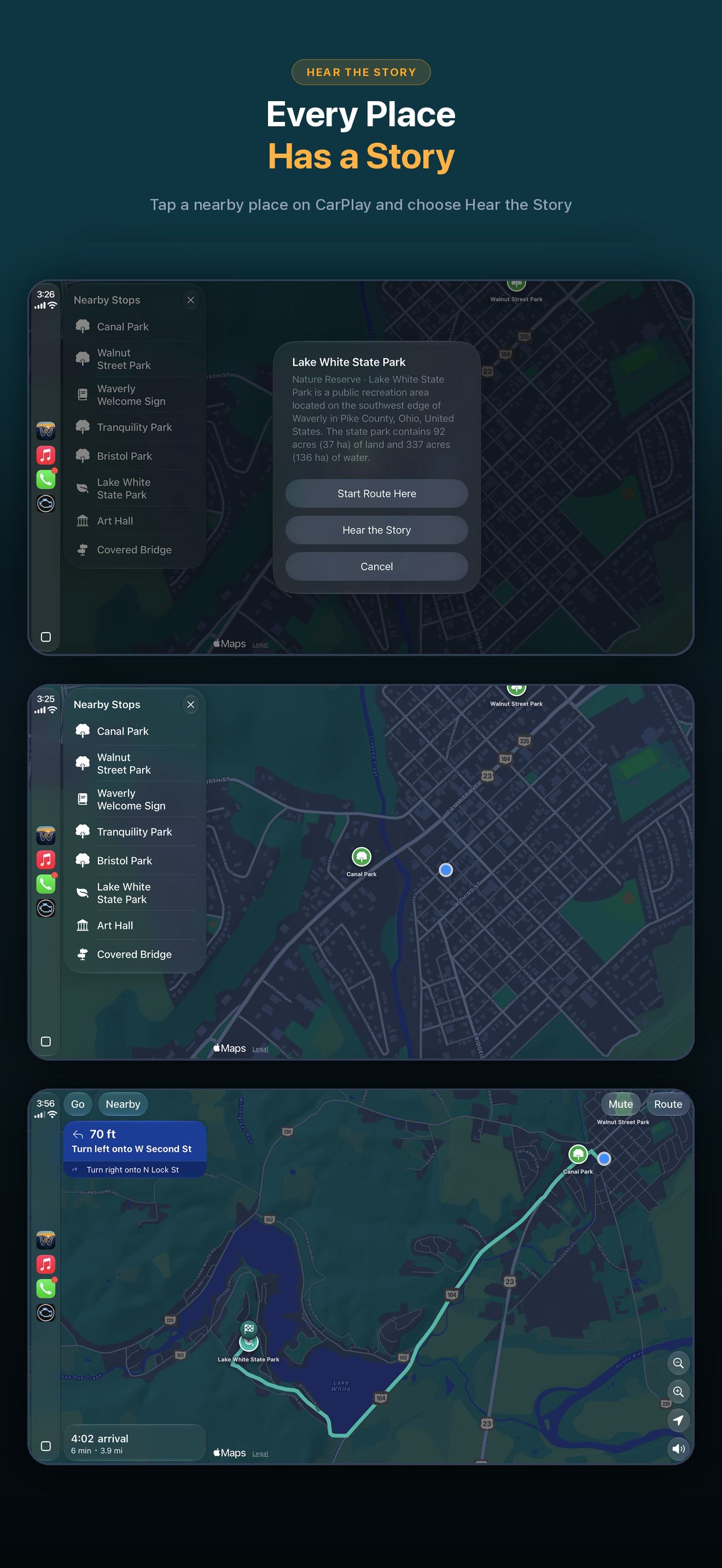
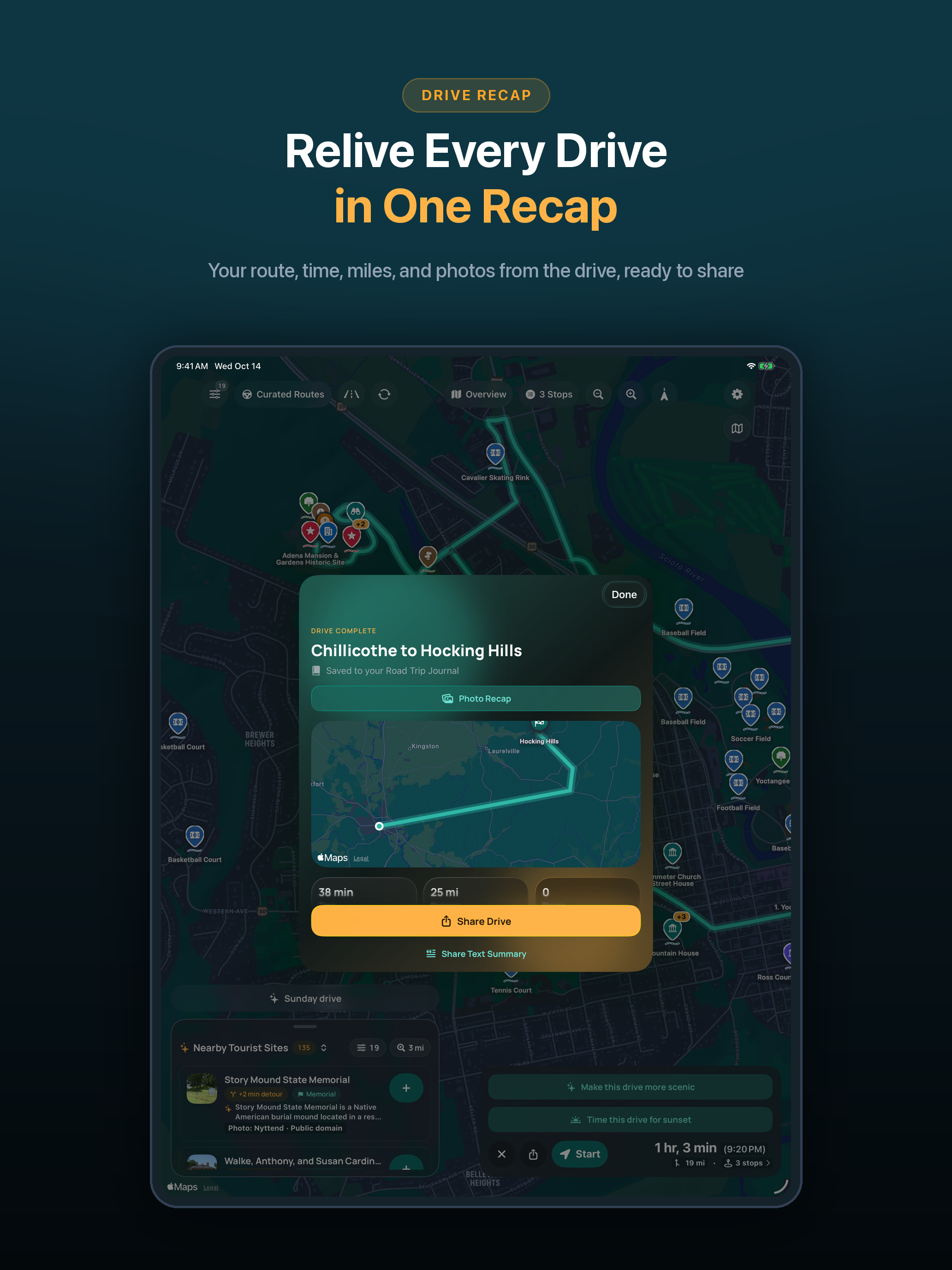
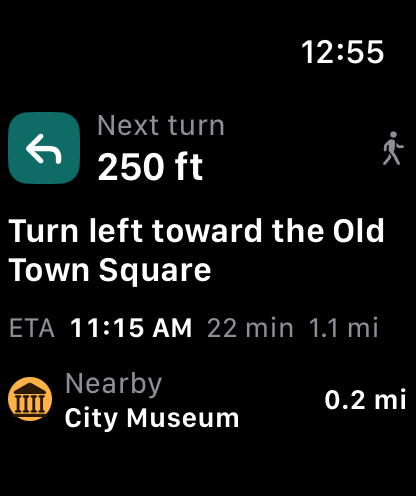
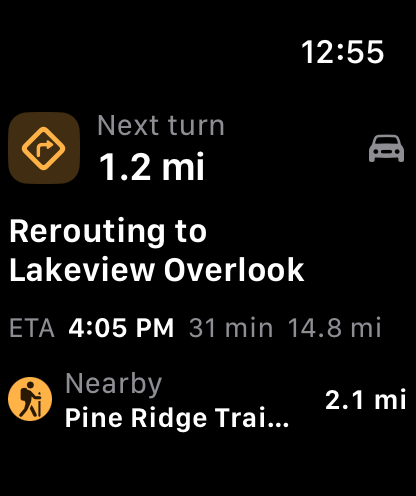
Video
Recorded in WanderWay 2.2, released October 27, 2026, about 30 seconds each. They don’t show the features added since, such as Kids Mode and Family Drives.
Boilerplate
WanderWay is a road trip app for iPhone, iPad, CarPlay, Apple Watch and Mac, made by Derek Boyer in southern Ohio, built with Grok Bot and Claude Code. It finds parks, historic sites, covered bridges, waterfalls and more along your route, then guides you there with Apple Maps. Version 2.7 adds Drag the Route, Just Listen Shortcuts, and Kids Mode checked everywhere. 2,000+ first-time downloads, as of November 2026. Free to try, then one purchase.
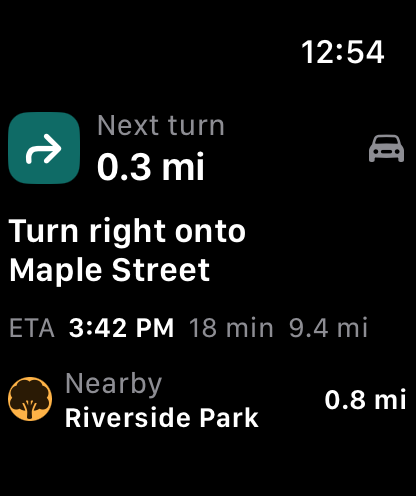
WanderWay is a navigation app for road trips, everyday drives and walks, on iPhone, iPad, CarPlay, Apple Watch and Mac. Put in where you are going and it finds parks, historic sites, covered bridges, waterfalls, overlooks and more along your route, then works the stops you pick into turn by turn directions using Apple Maps. Story Mode tells you about places as you approach them. Version 2.7, the current App Store release, adds Drag the Route, so you can press and hold a route preview’s line and drag it to the road you’d rather take, Just Listen Shortcuts for Siri and CarPlay, a kid-safe check on everything WanderWay reads aloud in Kids Mode, and Default Navigation in the EU and Japan. Version 2.5 added the Faster or Prettier slider, Drive Together for up to 6 cars, Just Listen, and Just Wander walks. WanderWay has 2,000+ first-time downloads, as of November 2026. It is free to try, then a one-time purchase, with no subscription, no ads and no account. It is available in eleven languages, including Hindi. Derek Boyer made it in southern Ohio, built with Grok Bot and Claude Code, after his wife Jordan kept saying there should be an app that shows you the good stuff along your route.
Press FAQ
Version history
Dates from the App Store version history. Earlier versions are not listed.
Quote
“I didn’t want another subscription in anyone’s life. Most of the ideas come from people who use it. Someone asks for something, and if it makes sense for the app, I add it.”
Derek Boyer, developer of WanderWay. Founder photos are in the press kit. For an interview, email [email protected].
Logo pack
1024 × 1024 PNG.
Download app icon ↓PNG at 512 × 512 and 256 × 256.
512 px ↓ 256 px ↓
2400 × 600 PNG, dark text.
Download ↓
2400 × 600 PNG, white text.
Download ↓Please don’t recolor, stretch or redraw the icon or wordmark.